Common mistakes carousel format for apps
Call out the mistakes your audience makes, then show the better way. Mistake framing stops the scroll because nobody wants to be doing it wrong.
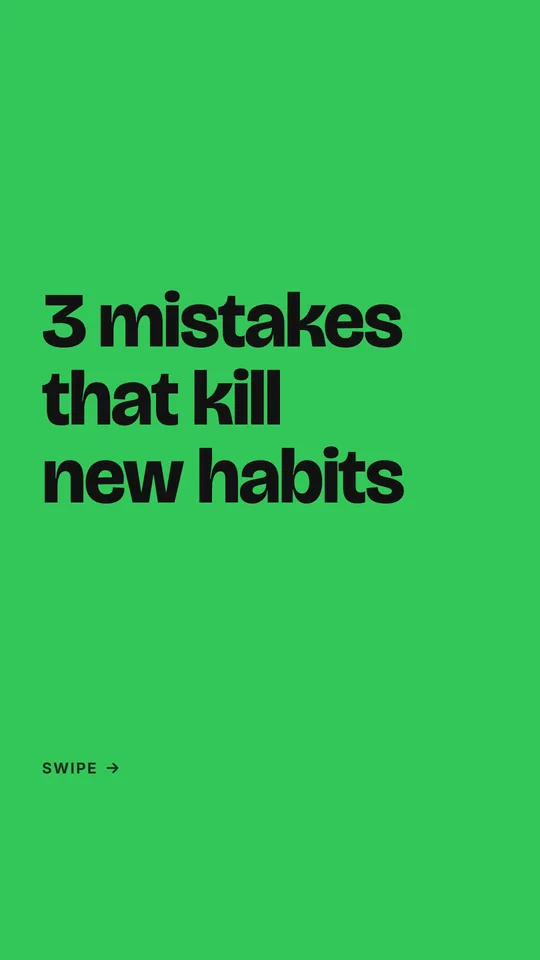
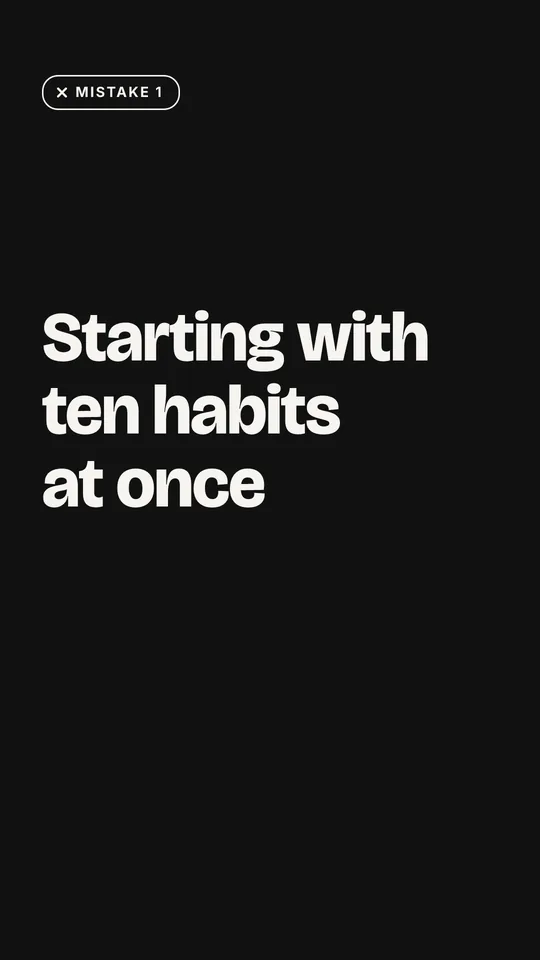
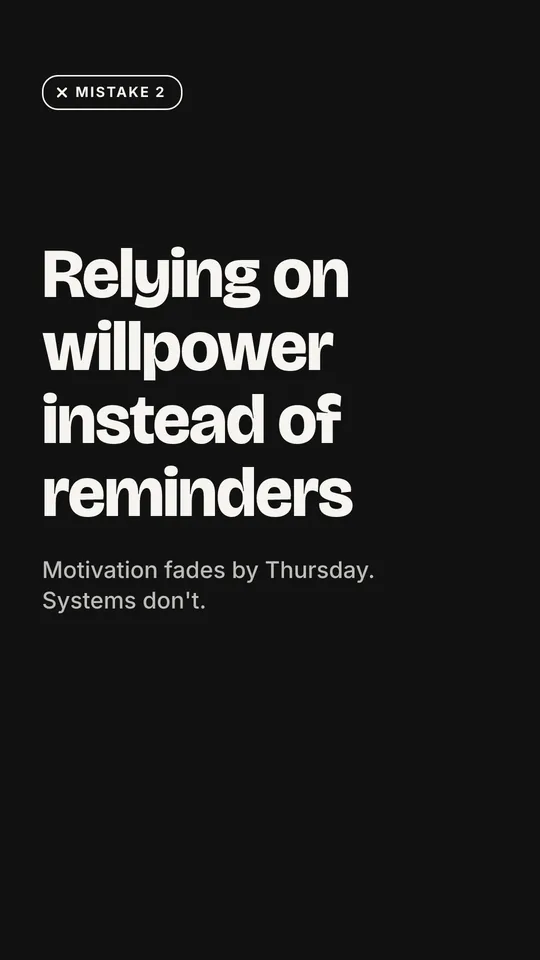
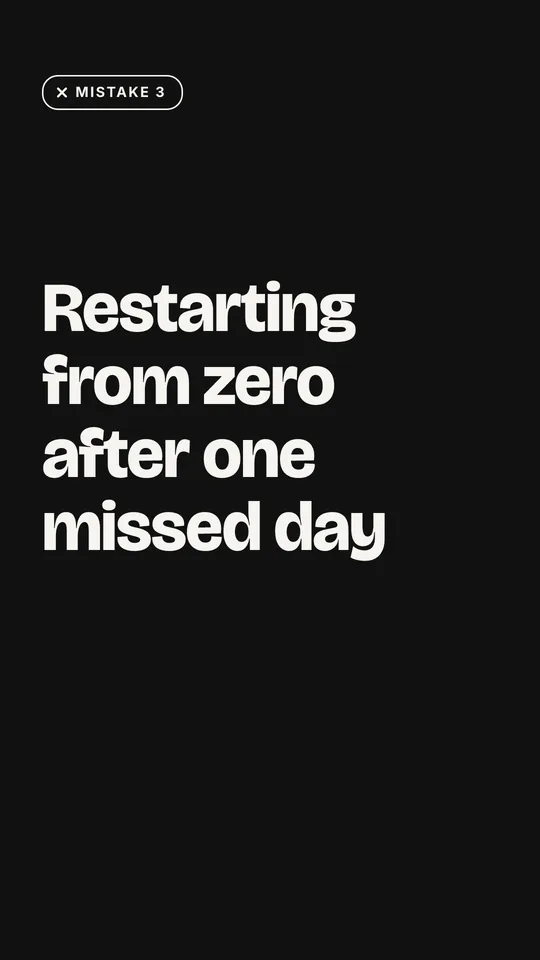
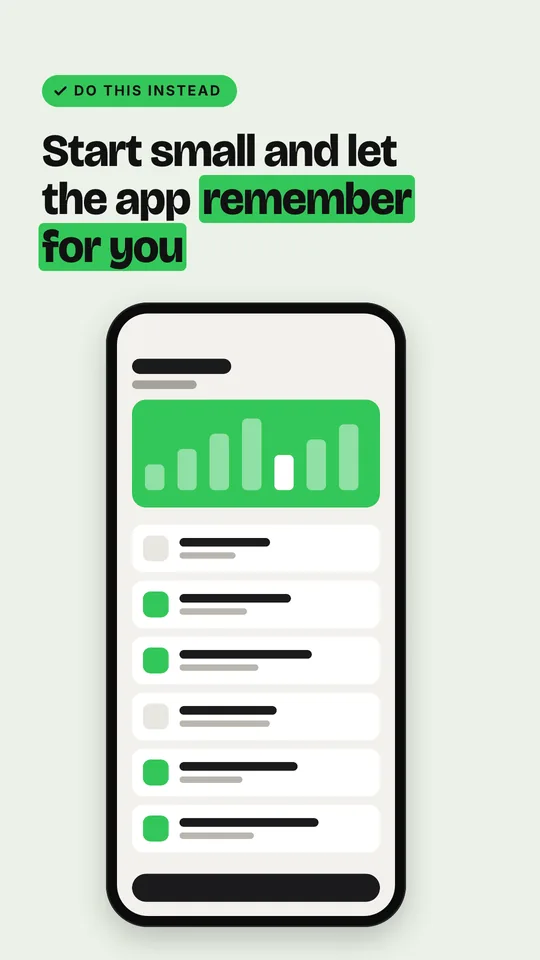
Rendered by our template engine for a sample habit app. The last slide is the automatic call to action.
When to use it
- Your audience is trying to do something and failing in predictable ways.
- Your app quietly prevents one of those mistakes.
- You want comments: people love to argue about mistakes.
Slide by slide
- Slide 1: the hook with the number of mistakes.
- Slides 2 to 4: one mistake per slide.
- Then one slide with what to do instead, shown in your app.
- Last slide: call to action.
Example hooks
- 3 mistakes that kill your sleep score
- Stop doing this when you budget
- The language learning mistake everyone makes
Want hooks written for your own app? Paste your App Store link in the free hook generator.
Traps to avoid
- Shaming the viewer instead of helping.
- Mistakes that are really just opinions.
- No concrete fix at the end.
Best for
Health, finance, language learning, fitness and skill-building apps. On TikTok it posts as a photo carousel; on Instagram, as a carousel in 4:5. See all 12 formats or read how to choose between them.