Before and after carousel format for apps
Contrast the messy way with the way it looks inside your app. Visual proof does the persuading, so it works best when the app produces something you can show.
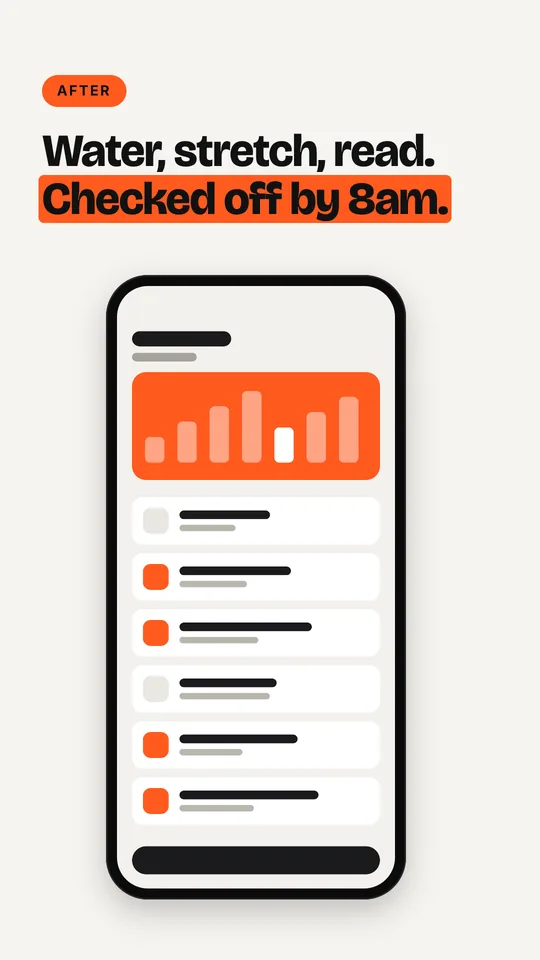
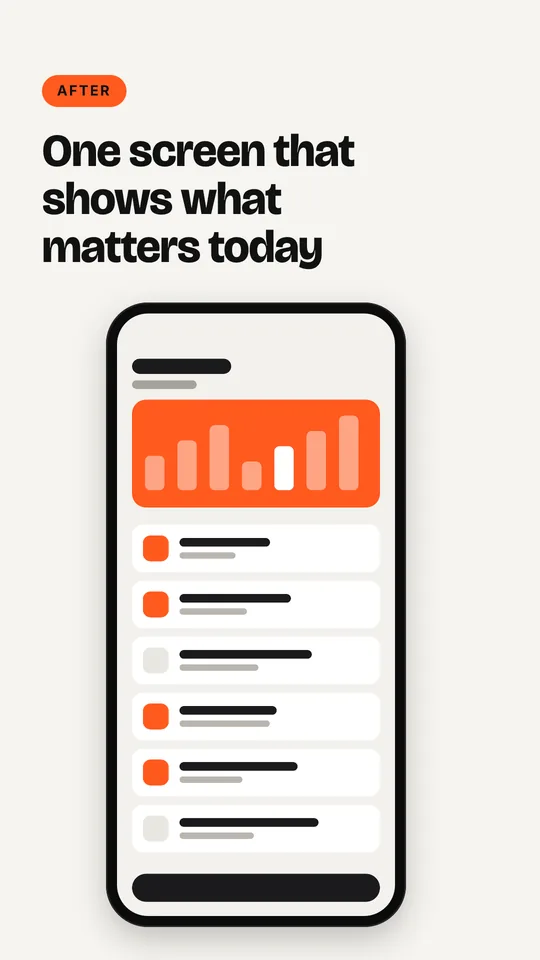
Rendered by our template engine for a sample habit app. The last slide is the automatic call to action.
When to use it
- The app creates a visible output: a photo, a plan, a drawing, an organized list.
- The difference is obvious in one glance.
- You want saves and shares, which this format tends to earn.
Slide by slide
- Slide 1: the hook promising the transformation.
- Slide 2: before, the honest messy version.
- Slide 3: after, the same thing done with the app (screenshot).
- Slide 4: how long it took or what changed.
- Last slide: call to action.
Example hooks
- My notes before and after this app
- Same photo, 10 seconds later
- What my week looked like before I planned it
Want hooks written for your own app? Paste your App Store link in the free hook generator.
Traps to avoid
- A fake or exaggerated before.
- An after that needs explaining.
- Results the app does not reliably produce.
Best for
Photo and video, design, planning, organization and creative apps. On TikTok it posts as a photo carousel; on Instagram, as a carousel in 4:5. See all 12 formats or read how to choose between them.