Checklist carousel format for apps
A practical checklist viewers save for later, with your app ticking some boxes for them. High save rate, evergreen content.
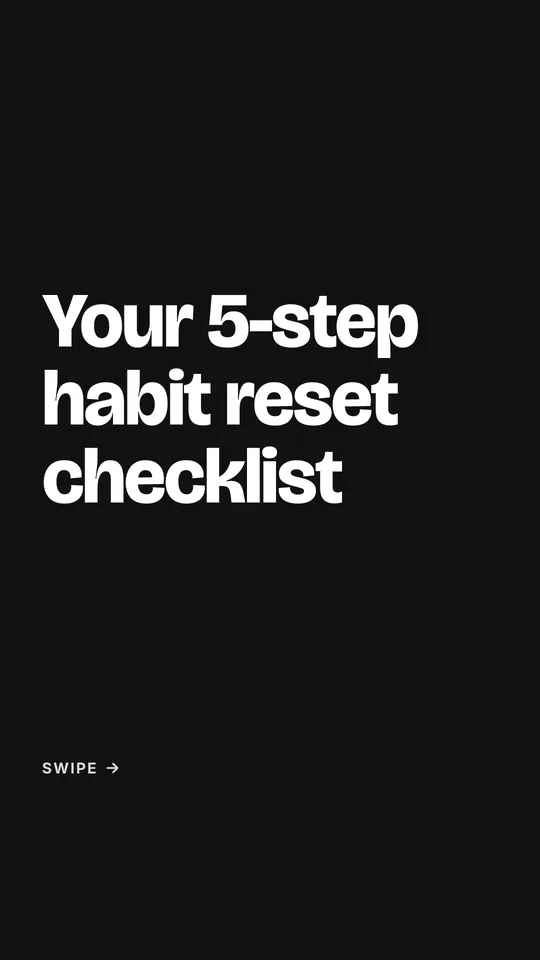
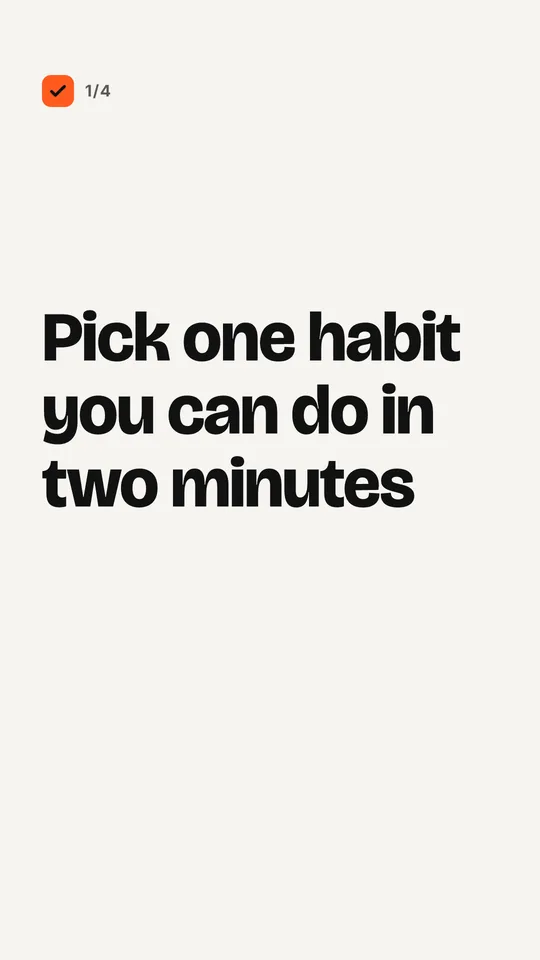
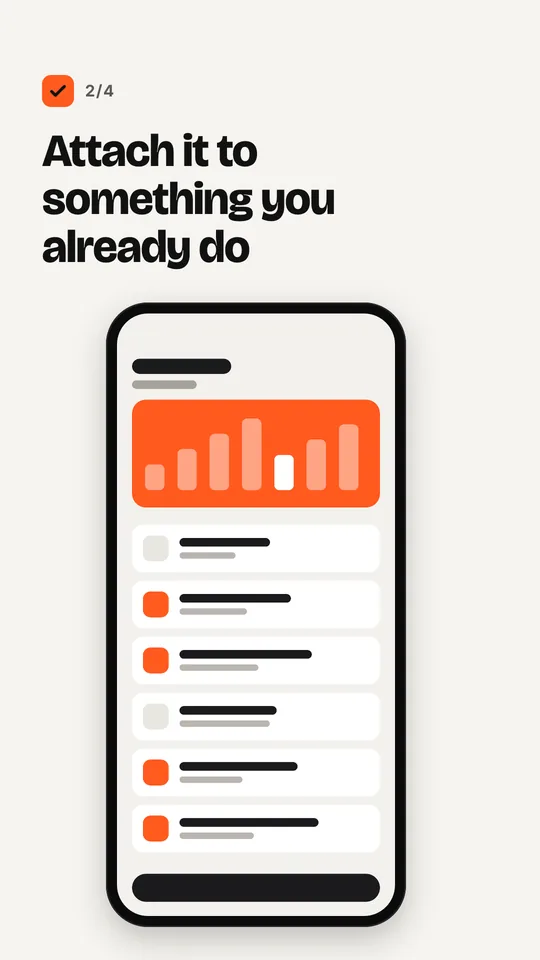
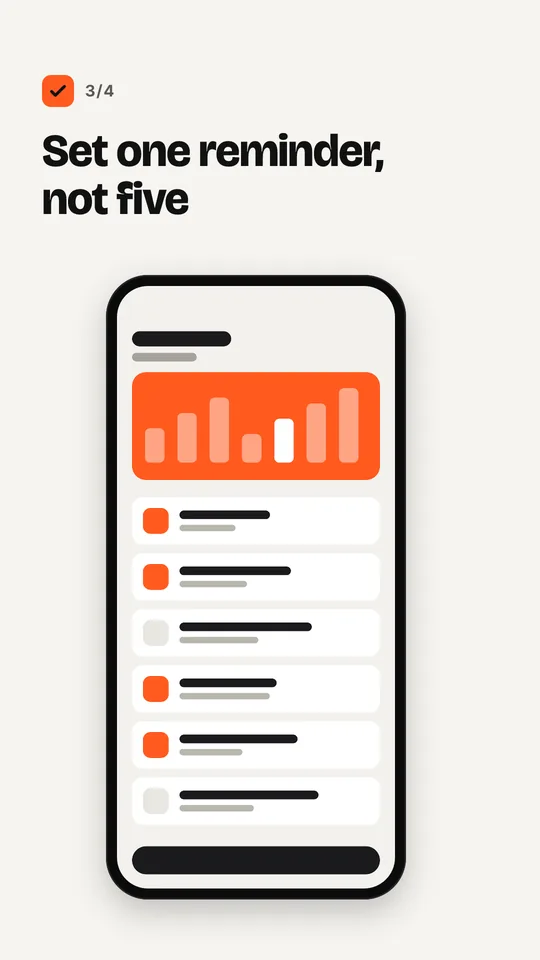
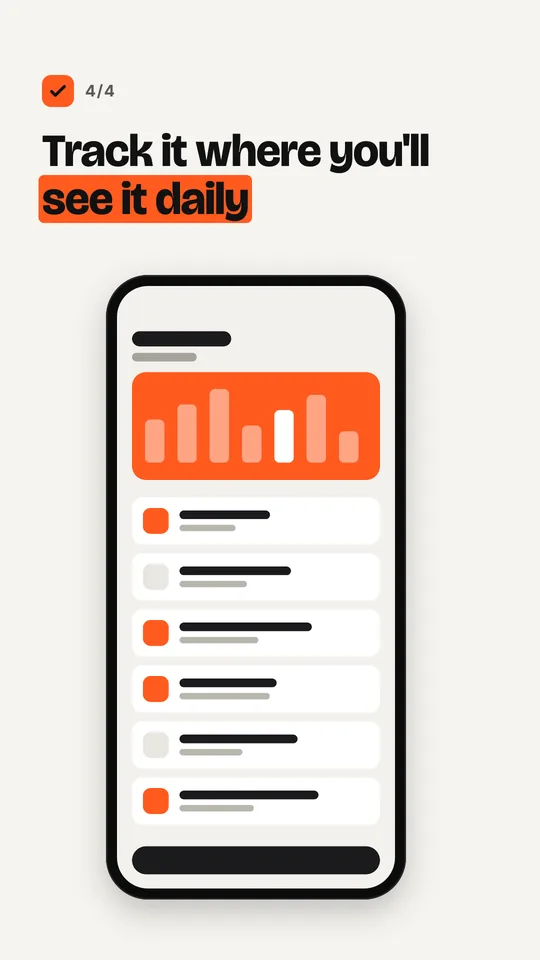
Rendered by our template engine for a sample habit app. The last slide is the automatic call to action.
When to use it
- There is a process your audience repeats: packing, onboarding, weekly review.
- Your app automates part of it.
- You want evergreen posts that keep getting saved.
Slide by slide
- Slide 1: the checklist promise.
- Slides 2 to 5: items, grouped, short.
- One slide shows the app handling a step.
- Last slide: call to action.
Example hooks
- The Sunday reset checklist
- Before you launch your app: 8 checks
- Travel packing checklist I actually use
Want hooks written for your own app? Paste your App Store link in the free hook generator.
Traps to avoid
- Lists too long to read on a phone.
- Items that are not actionable.
- Forgetting the app's role entirely.
Best for
Planning, travel, productivity, finance and habit apps. On TikTok it posts as a photo carousel; on Instagram, as a carousel in 4:5. See all 12 formats or read how to choose between them.