Listicle carousel format for apps (top tips, top tools)
A numbered list of tips, tools or tricks where your app is one genuinely useful item, or where every tip is something the app helps with. Easy to save, easy to share.
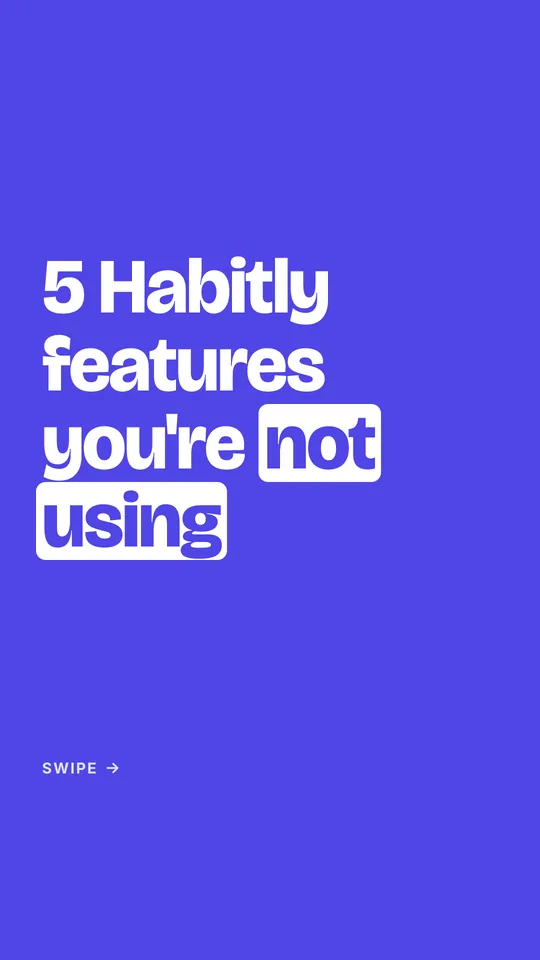
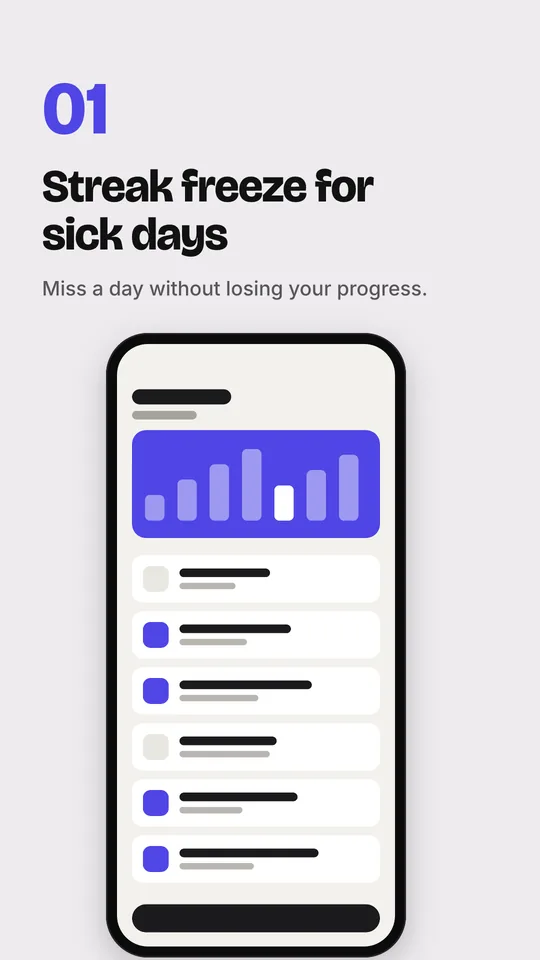
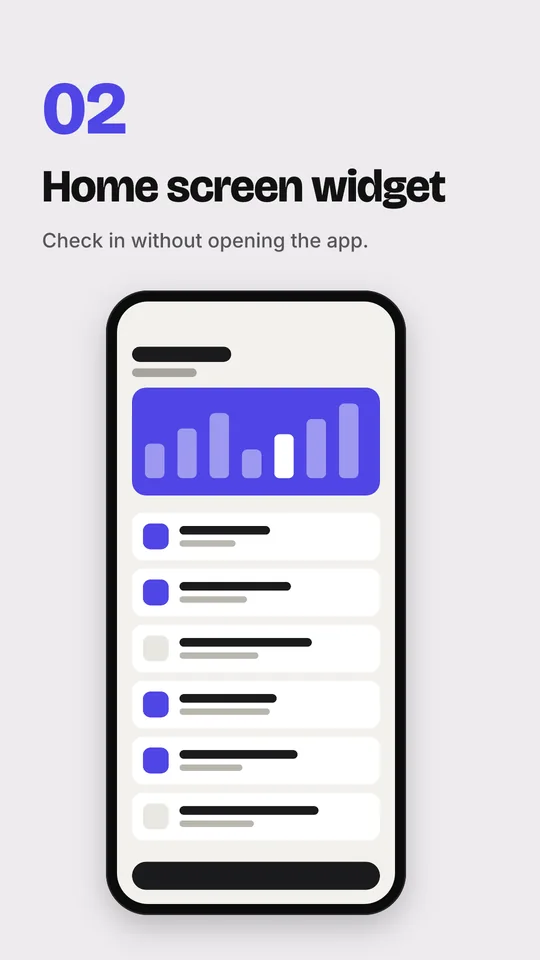
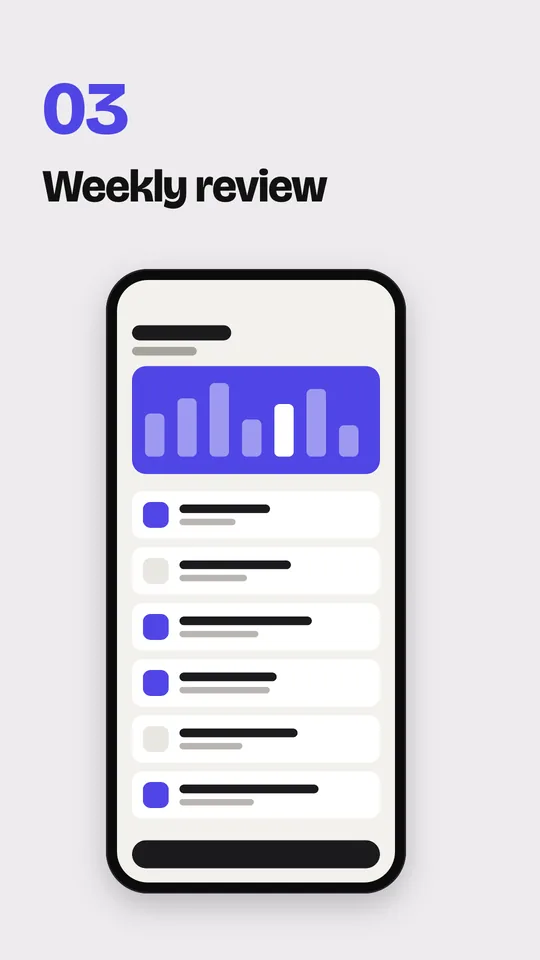
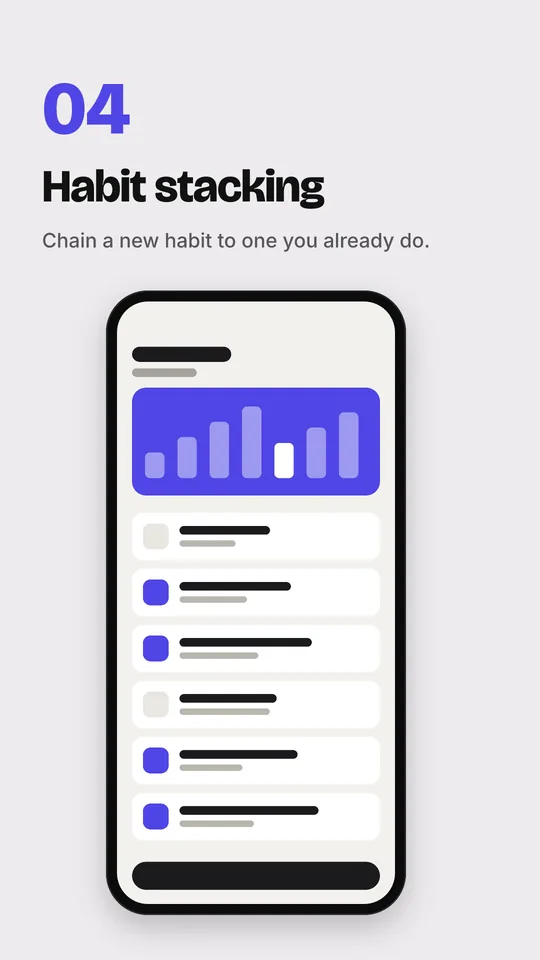
Rendered by our template engine for a sample habit app. The last slide is the automatic call to action.
When to use it
- Your niche has well-known tips people bookmark.
- You can give real value even to viewers who never install.
- You want saves, which signal value to both platforms.
Slide by slide
- Slide 1: the promise and the number.
- Slides 2 to 6: one tip per slide, short and concrete.
- One slide shows the app where it actually helps.
- Last slide: call to action.
Example hooks
- 5 study habits that actually stuck
- 4 apps I use every morning
- 6 things I wish I knew before tracking calories
Want hooks written for your own app? Paste your App Store link in the free hook generator.
Traps to avoid
- Padding the list to reach a round number.
- Making every item an ad.
- Tips so generic they could be about anything.
Best for
Education, fitness, productivity and any niche with advice culture. On TikTok it posts as a photo carousel; on Instagram, as a carousel in 4:5. See all 12 formats or read how to choose between them.